Free Laravel Security Scanner
Scan your Laravel application for the most common production mistakes: exposed .env files, APP_DEBUG=true leaking stack traces, missing CSRF tokens, and exposed debug tooling.
Scan My Laravel App. FreeNo signup · No credit card · Scan runs in 60 seconds, verify your email to view results
Rather not remember to rescan? We can scan your site every month and email you the results. See pricing
What the scanner checks
Exposed .env file
Tests if /.env is accessible over HTTP. The single most common Laravel breach vector, exposing database credentials, APP_KEY, and API tokens.
APP_DEBUG in production
Detects if Laravel is running with APP_DEBUG=true, which leaks stack traces, environment variables, and database queries on error pages.
Telescope and Debugbar exposed
Requests /telescope/requests and /_debugbar/ and flags them if they answer. Both show queries, requests and session data to anyone who finds them. Ignition and Whoops are caught through the error-page probe instead.
CSRF token on login forms
Looks for a login form at common paths (/login, /admin, /admin/login and others) and checks that it carries Laravel's hidden _token field. It does not submit forms or test your routes.
Session cookie security
Checks laravel_session cookie for Secure, HttpOnly, and SameSite flags. Flags weak SESSION_SECURE_COOKIE config in production.
Exposed composer.json
Requests /composer.json. If it is served, anyone can read your exact package list and match it against public advisories. It should never be reachable from the web root.
Laravel's #1 Security Issue Is Configuration, Not Code
Laravel is a secure framework by design, but almost every Laravel breach starts with the same mistake: an exposed .env file in the webroot. Attackers crawl millions of URLs looking for /.env, and a single hit reveals database passwords, APP_KEY, AWS credentials, and API tokens.
The second most common issue is APP_DEBUG=true in production. Laravel's debug mode shows full stack traces including environment variables. Effectively giving attackers the same information as an exposed .env file. Our scanner tests for both, plus exposed Telescope/Ignition endpoints, missing CSRF protection, and insecure session cookies.
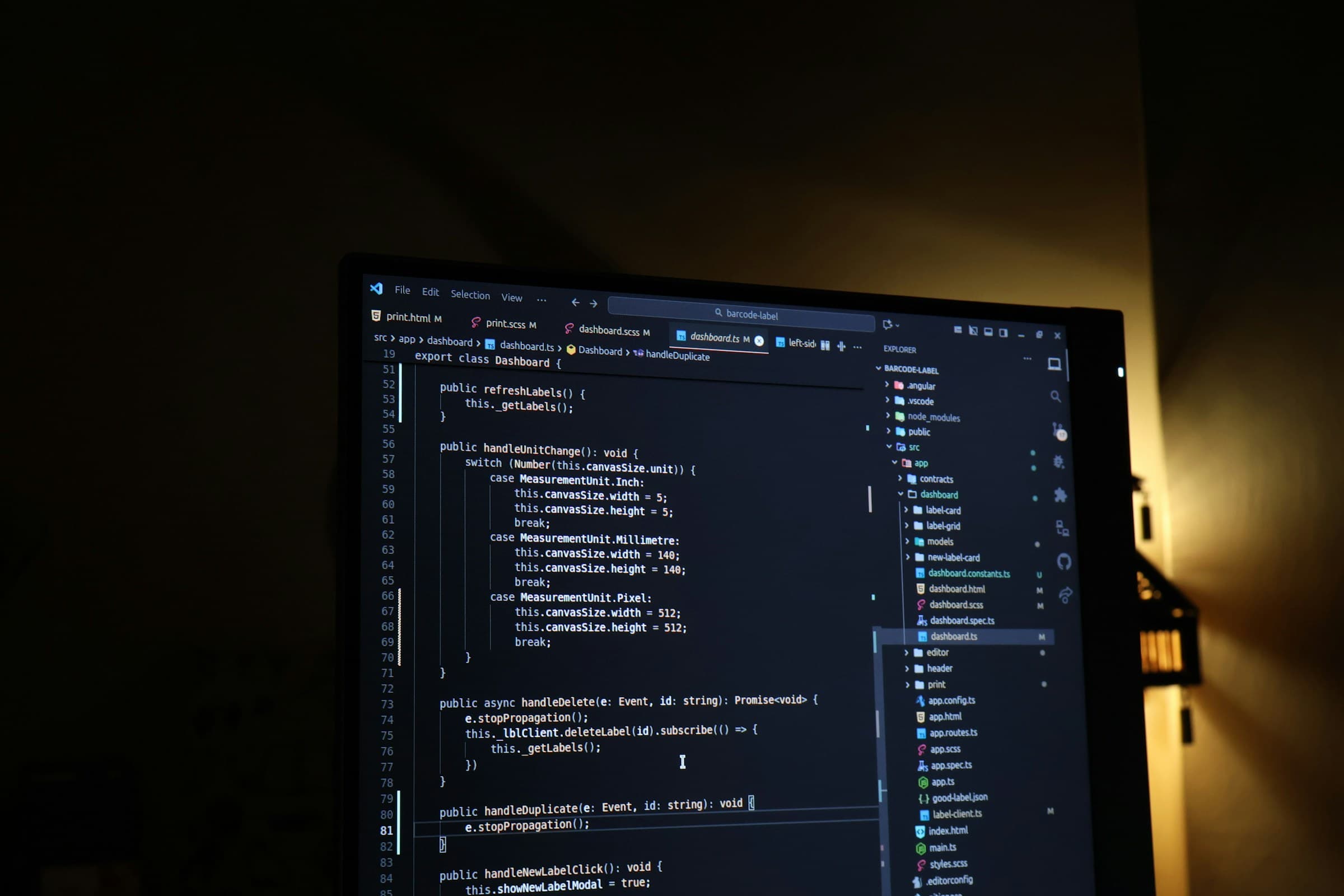
What the scan actually requests
Point the scanner at a Laravel site and these are some of the requests it sends, in no particular order:
GET /.env
GET /.env.bak            GET /.env.local          GET /.env.production
GET /composer.json
GET /telescope/requests
GET /_debugbar/
GET /this-path-does-not-exist-8f4a2b7c
GET /index.php?id=1'
GET /login               GET /admin/login
That list is a subset. The full run also covers headers, TLS, cookies, open ports and roughly 60 other paths. But for a Laravel app these are the ones that turn up real problems, and here is what a hit on each means.
| Request | A hit means | Fix |
|---|---|---|
/.env and its .bak / .local / .production copies | Your web server is serving the project root, not /public. Database password, APP_KEY and every API token in the file are public. | Point the document root at public/. Rotate every secret in the file. Assume it was read. |
/composer.json | Same root cause as above, smaller blast radius: your exact dependency versions. | Same fix. Once the root is public/, this disappears with it. |
/telescope/requests, /_debugbar/ | A debugging tool shipped to production. | Remove the package from production installs (composer install --no-dev) or gate it behind auth. |
The 404 path and the id=1' probe | The error page mentions Laravel, Whoops, a stack trace or a file path like /var/www/.... Usually APP_DEBUG=true. | APP_DEBUG=false in the production .env, then php artisan config:cache. |
/login, /admin/login | A login form without a _token field. Rare in Laravel unless the form was hand-written outside Blade. | Add @csrf inside the form. |
The .env row deserves its own sentence. Rotating the secrets matters more than hiding the file, because bots crawl for /.env constantly and a scan that finds it today does not tell you how long it has been open.
If the document root is wrong on Nginx, the minimum is:
root /var/www/your-app/public;

location ~ /\.(?!well-known) {
    deny all;
}
The second block stops every dotfile, including .env and .git/, even if someone later moves the root back by mistake.
What a clean result does not tell you. This is an outside-in check of a running site, often called a Laravel security check, but it never sees your code. Mass-assignment holes, missing policies on a controller or a raw DB::select with string concatenation are invisible from the outside. For those, scan the repository instead: /code takes a public GitHub repo and looks for committed secrets, vulnerable dependencies and risky code patterns.
Frequently Asked Questions
How do I protect .env in a Laravel app?
Never put Laravel's document root at the project root. Point your webserver to the /public directory so files like .env, composer.json, and artisan are outside the web-accessible path. Also, deny access to dotfiles in your Nginx or Apache config.
Why is APP_DEBUG=true dangerous in production?
With APP_DEBUG=true, any unhandled exception shows a full stack trace with environment variables, database queries, and file paths. Attackers intentionally trigger errors to extract secrets. Always set APP_DEBUG=false in production and use proper logging.
Is Laravel Telescope safe to expose?
No. Laravel Telescope shows all database queries, cache operations, jobs, HTTP requests, and session data. It should never be exposed in production. Either disable it entirely or restrict access with middleware and strong authentication.
Does Laravel provide CSRF protection by default?
Yes, via the VerifyCsrfToken middleware in the web middleware group. You must include @csrf in every form. API routes use Sanctum or token-based auth instead. Our scanner verifies CSRF tokens are present on HTML forms.
How do I secure session cookies in Laravel?
Set SESSION_SECURE_COOKIE=true in .env to require HTTPS, SESSION_HTTP_ONLY=true to block JavaScript access, and SESSION_SAME_SITE=lax to prevent CSRF. Laravel defaults to safe values, but they must be enabled for production.
Is this a Laravel security checker or a code scanner?
It is a checker for the live site. It sends ordinary HTTP requests to your domain and reads the responses, the same view an attacker has. It never logs in and never reads your source. To scan code, use the repository scanner at /code.
What does "Laravel framework name" in the error-page result mean?
The 404 or 500 page your site returned contained the word Laravel, Whoops or a stack trace. Production error pages should be generic. It usually means APP_DEBUG=true, but a custom error view that prints the exception class triggers it too.
Lock down your Laravel deployment
Free, no signup. Verify your email to view the detailed report with fix instructions.
Run Free Laravel ScanFree Security Tools
Run individual checks on your Laravel site for free.
Other Stack Scanners
Running more than Laravel? These scanners check stack-specific issues the generic scan does not look for.
Expert Help
Book a security review for your Laravel site
30-minute consultation with a security engineer. Covers your scan results, how to fix critical issues, and what to prioritize. Free, no sales pitch.
Book Free Consultation